A Google Business Profile audit in one click
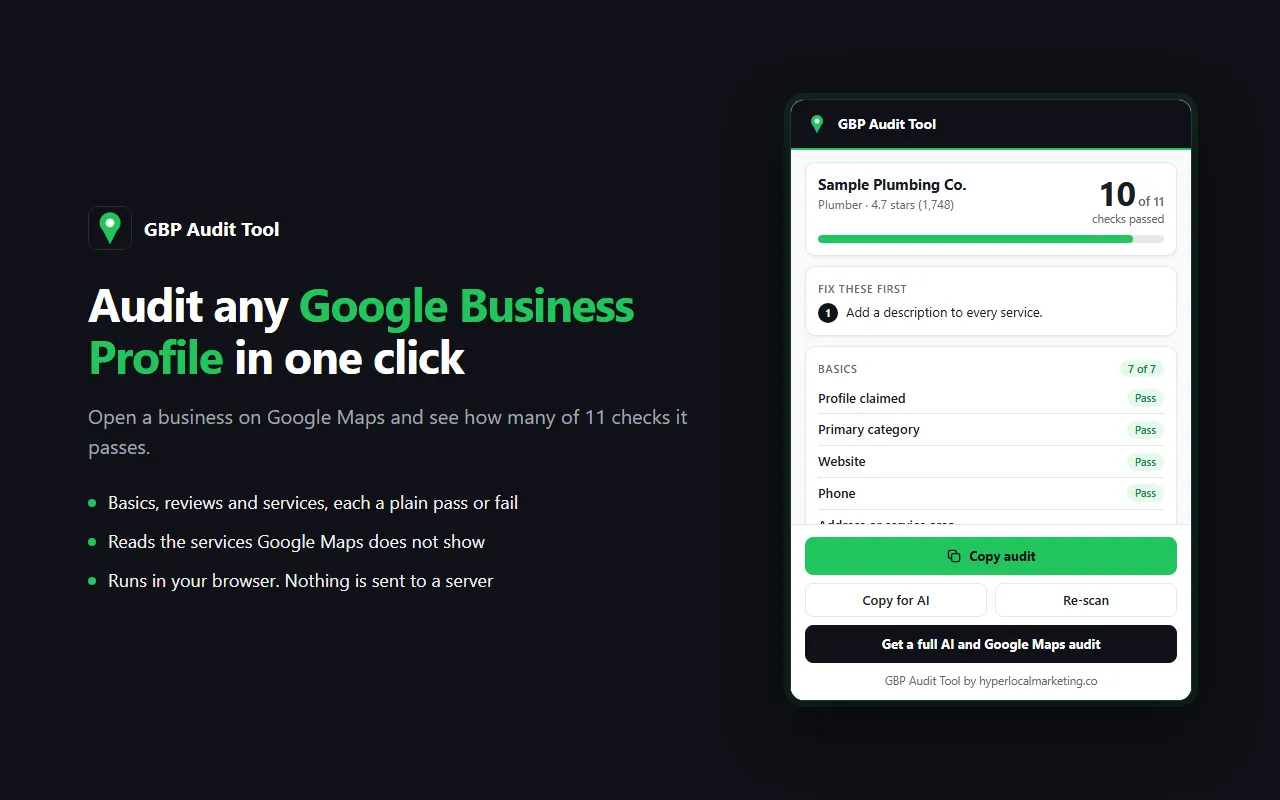
The extension reads the listing you have open and runs 11 checks in three groups:
- Basics: the profile is claimed, and it has a primary category, website, phone, address or service area, hours and a business description.
- Reviews: a rating of 4.5 stars or higher, and 10 or more reviews.
- Services: 5 or more services listed, and a description on every one.
Every check is a plain pass or fail, and the result is a count, such as "9 of 11 checks passed". Anything the extension could not read is marked "Couldn't read" and left out of the count, so nothing is guessed.
The three fixes to make first
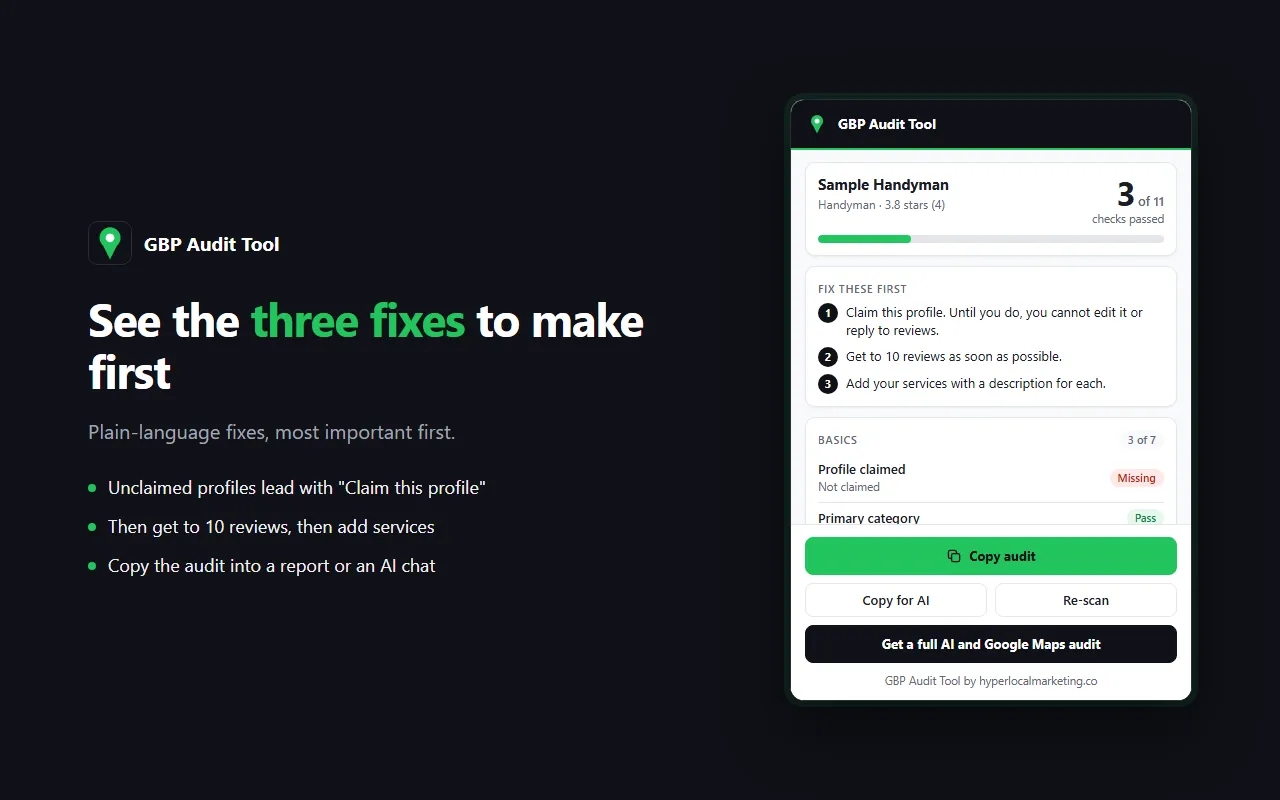
Under the result you get up to three fixes in plain language, most important first. An unclaimed profile always leads with "Claim this profile". After that come getting to 10 reviews, then adding services.
See the services your competitors list that you do not
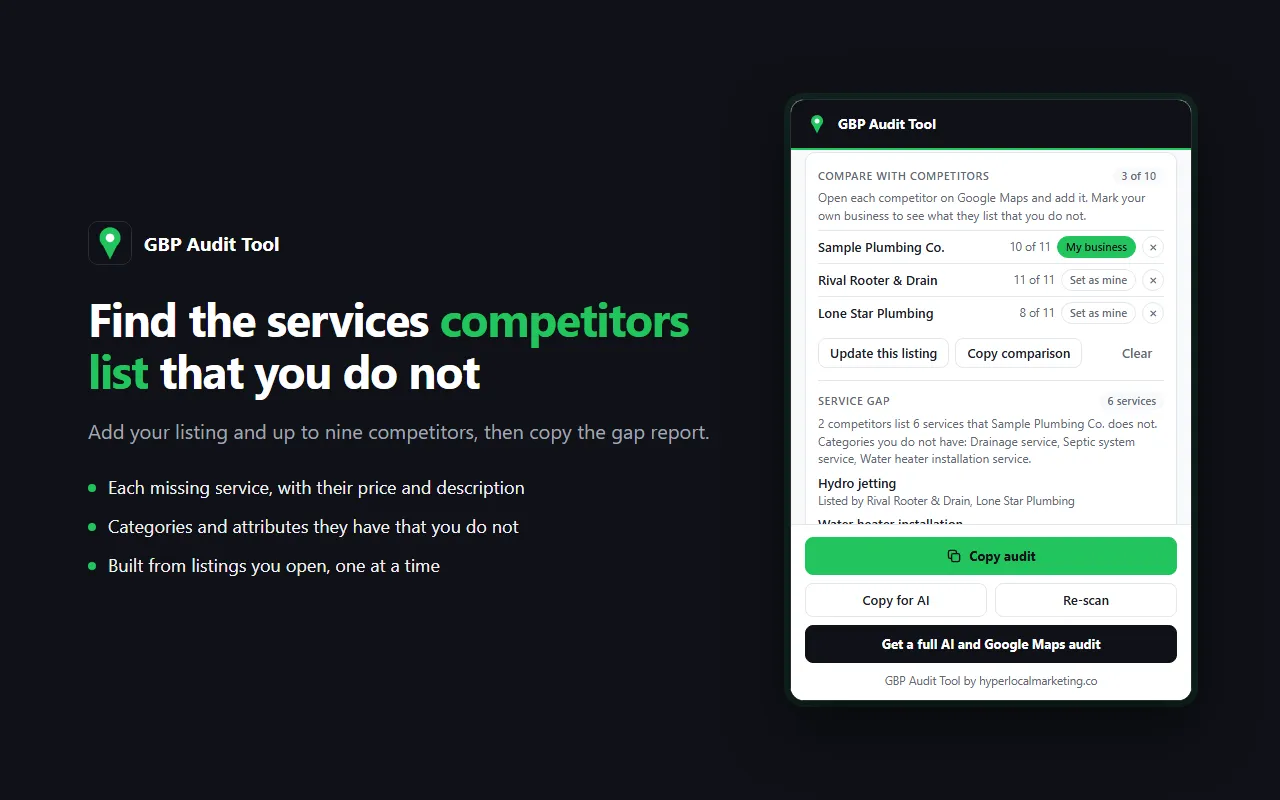
Add your own listing, then open each competitor on Google Maps and add theirs. The extension lists every service a competitor shows that your profile does not, along with the price and description they wrote. It also shows the categories they have that you do not, including secondary categories, and the attributes they display that you do not.
Compare up to 10 listings. One button copies the whole gap report.
Copy it into a report or an AI chat
- Copy audit copies the result, the fixes and every check as text.
- Copy for AI copies everything on the listing as Markdown, ready to paste into Claude or ChatGPT.
- Copy comparison copies every saved listing as one table.
- Copy gap report copies what competitors list that you do not.
What it cannot check
It reads what Google Maps shows publicly on the listing. It cannot see owner-only numbers such as views, calls or direction requests. It does not measure how fast reviews are coming in or whether your name, address and phone match across other sites. It does not count photos, because Google Maps does not show a count.
The pass marks, such as 10 reviews and 5 services, are my starting points, not Google rules.
For the parts a listing can't show, like where you rank across your service area and whether AI search recommends you, get a full AI and Google Maps audit.
Privacy
GBP Audit Tool runs entirely in your browser. It reads the listing you have open when you click the icon. It sends nothing to any server and collects no data. The comparison you build is saved on your own computer and nowhere else. There are no accounts and no analytics.
FAQ
What does it check?
Eleven things, each pass or fail: claimed status, primary category, website, phone, address or service area, hours, description, rating, review count, services and service descriptions.
Why does a check say "Couldn't read"?
The listing did not show that detail in a way the extension could read. That check is left out of the count.
Why does it open the About tab?
That is where Google Maps shows a business's attributes. The extension opens the tab for a moment, reads it, and returns to Overview.
Why does it ask me to reload the listing?
Google Maps only loads a business's services, description and extra categories when the listing is opened directly. If you opened it by clicking a search result, click Reload listing and the extension opens the same listing again and reads them.
Where do the services come from? I don't see them on Google Maps.
Desktop Google Maps does not display the service list, but it loads it with the listing. The extension reads it from there. It makes no requests of its own.
Why does it say Google is showing a limited view?
Google shows less of a listing when you are signed out. Sign in to Google, reload the listing and click the icon again.
Does it work on search results?
No. Open a single business listing first.
Are the checks from Google?
No. They are my own checklist, based on what a complete profile includes.
What does it cost?
Nothing. It is free.